How To Buy On OULOO
1.Register
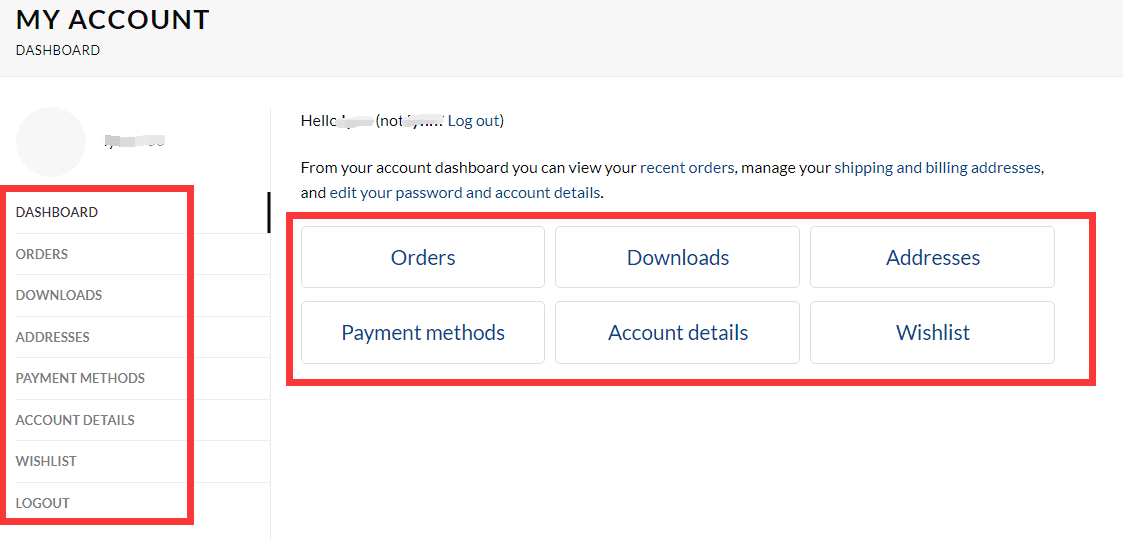
Before you place an order, we recommend that you register an account on our website with your email address. Because it makes shopping and managing orders easier for you. If you want to register an account, please click here to enter. When you register, you will see the following interface
2. Shop products
You can see our products directly from our homepage.
Or click on the navigation bar and select the product category you need to buy.
So far, our website has ELECTRIC BIKE, ELECTRIC SCOOTER, ELECTRIC MOBBED, In addition, we also have some Accessories, such as power bank headphones or helmets, and we also sell bicycle parts
3. Pick a product
We have single-attribute and multi-attribute products.
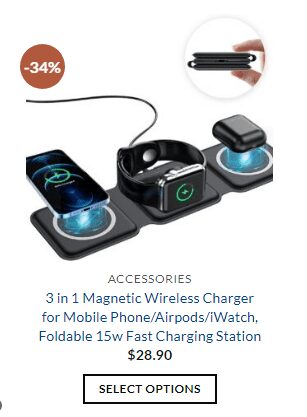
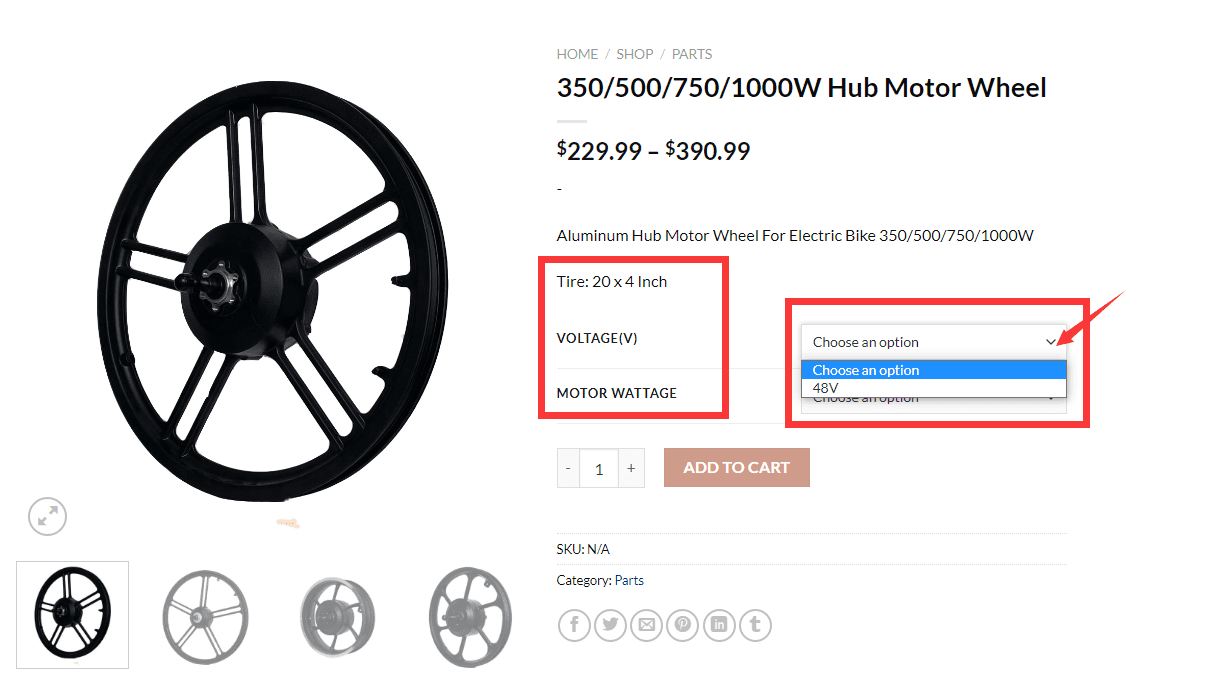
- SELECT OPTIONS: For the item with “SELECT OPTIONS”, it means that the item has different properties, it may have multiple colors to choose from, or it may have many other properties to choose from. So you need to click and choose the one that you want or like.
When you go to a product detail page with multiple attributes. You will see all its attributes selected on the right side of the product’s image. You just need to click “∨” and then you will see what the attributes it has.
Please note that the price of a product may vary for different attributes, which is why the price you see is not the same as the price you actually selected.
After you have selected the attributes you want, just click “ADD TO CART”.
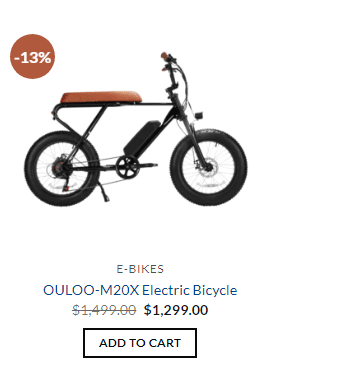
2. ADD TO CART: For the item with “ADD TO CART”, it means that it is a single product, no other attributes, If you like this product very much, but need other attributes, such as color or motor, you can contact us for more information.
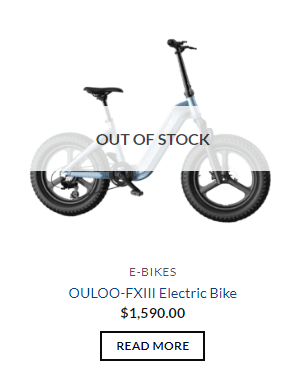
3. READ MORE: For the item with”READ MORE”, it means that the item is out of stock right now, if you like it please contact us to know when will it is in stock.
4. Buy The product
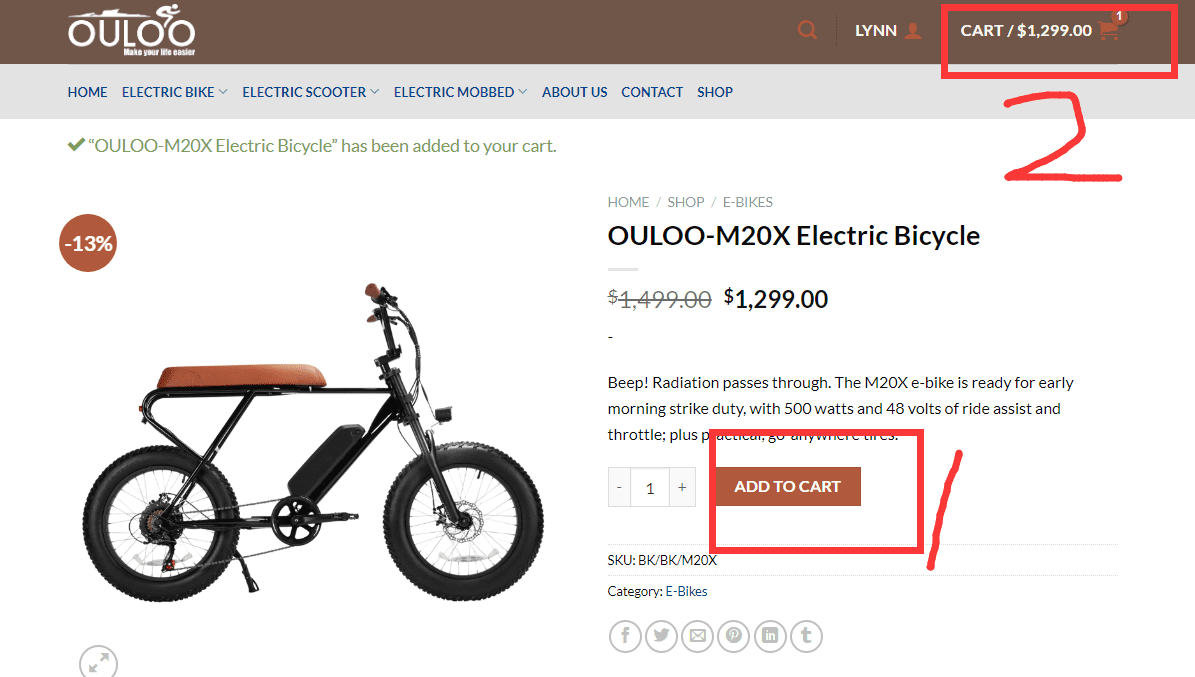
After you have selected the product you want to buy, you need to click “Add to Cart” and then click “Shopping Cart” to jump to the product interface for confirming the purchase. After confirming that it is the product you want to buy, you can click “Check Out”. If there are products you don’t need in the shopping cart, you just need to delete the unnecessary ones.
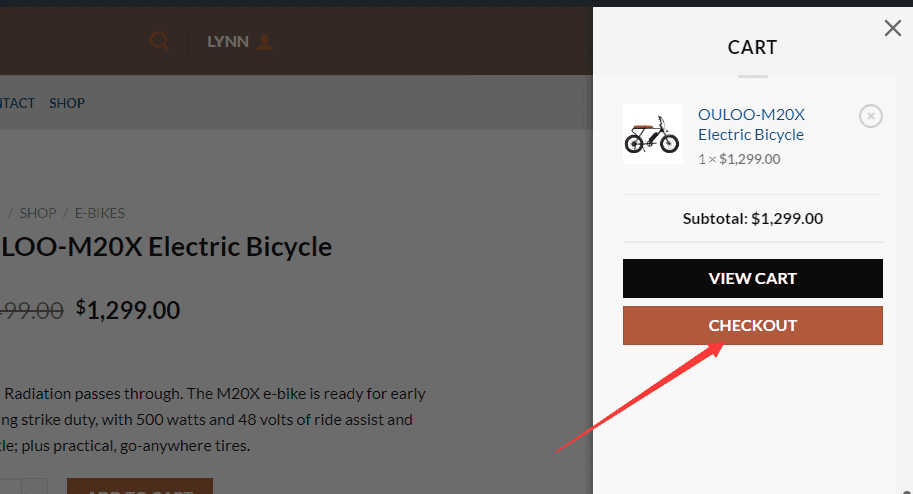
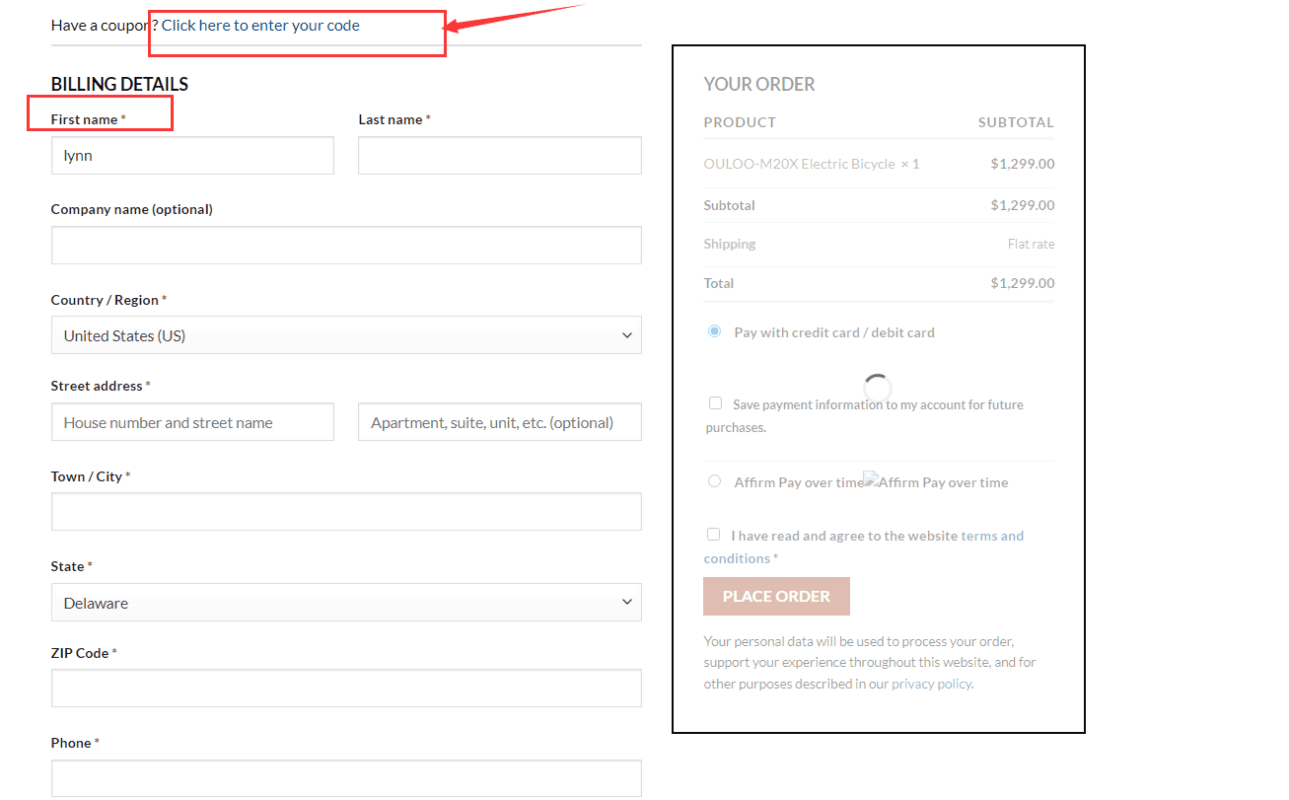
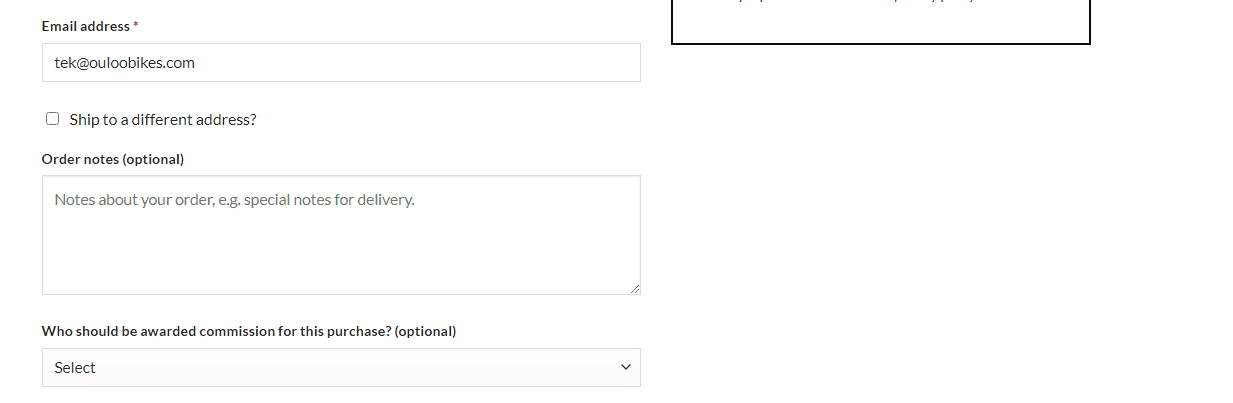
After you click the “Check out” button, you need to fill in your billing address and select the payment method. With the information “*”, it means that you must need to fill.
Note:
- If you have a coupon, please remember to add it, our coupon is not directly converted into cash, nor directly converted into a partial refund amount.
- Please fill in the correct address, if the product is lost or you do not receive the product due to the wrong delivery address, we are not responsible.
- If you find that the address is wrong within 48 hours after submitting the order, please contact us with the correct address, and we will try to contact the logistics to modify your address.